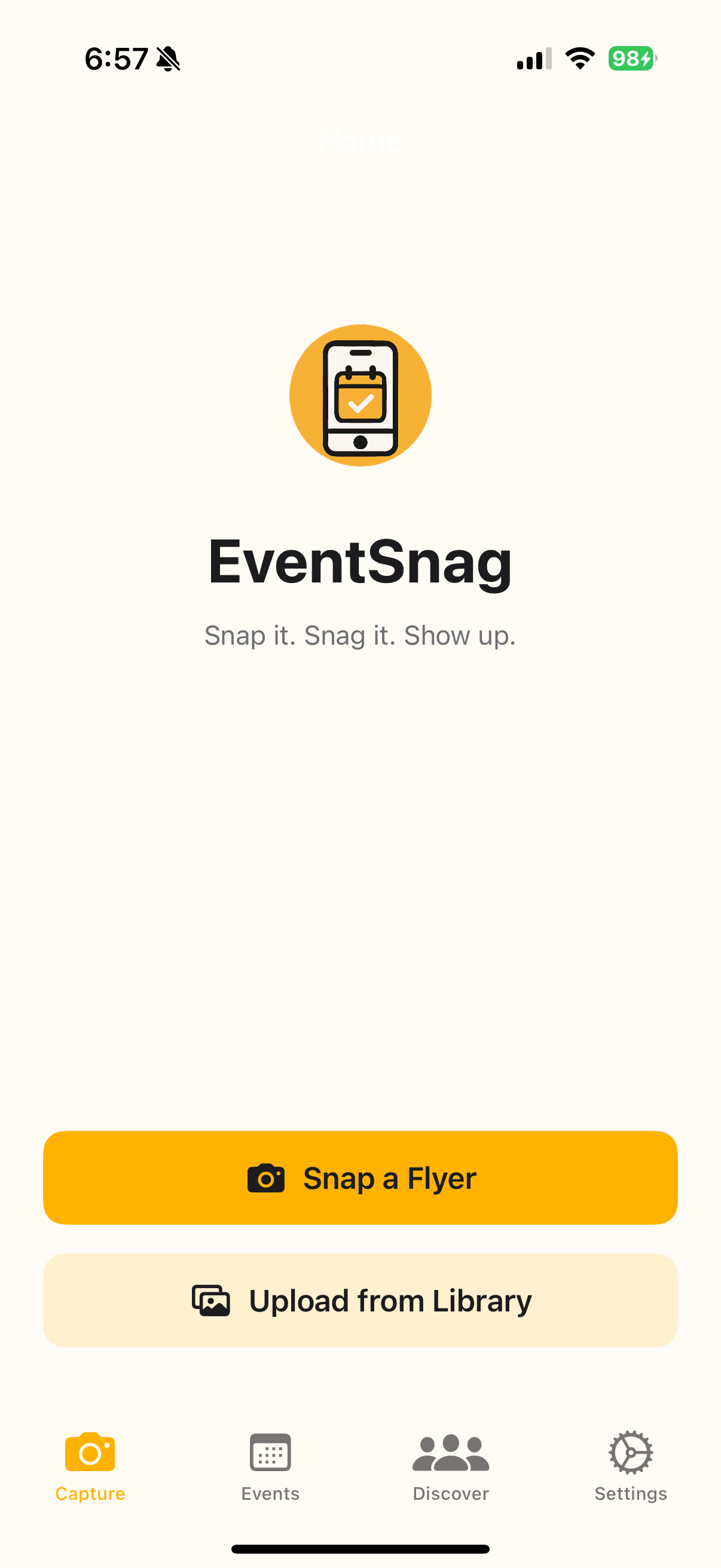
Snap it. Snag it. Show up. The iOS app that turns event screenshots into calendar entries instantly, so you actually go to the things you say you will.

You screenshot that cool event flyer from Instagram. It gets buried in your camera roll with 847 other screenshots. The event comes and goes. You never went. Sound familiar?
Snap it. See a flyer? Open your Photos app, tap Share → EventSnag.
Snag it. Our AI reads the screenshot and pulls out everything—date, time, venue, price, vibes. You review it (in case AI got creative), make any edits, and save.
Show up. Event syncs to your Google Calendar. Thursday at 6pm? You get a notification: "Weekend Plans Ready! 🎉" with all your upcoming events formatted and ready to share with friends.
EventSnag isn't another productivity app trying to optimize your life into oblivion. It's built to get you off your phone and into your community to farmers markets, live music, art shows, the weird pop-up taco stand by the river.
We started building this because Stillwater, OK has incredible local events, but people kept saying "I didn't know that was happening!" Well, you screenshotted it three weeks ago. Now you'll actually go. To be in the know you have to follow obscure facebook groups, tons of instagram accounts, and find event flyers at coffee shops.
EventSnag reads the image and extracts:
Our AI doesn't just dump raw data at you:
Tap "Snag It 📅" and boom! The event's in your calendar. Every synced event includes EventSnag branding so your friends discover it too.
Don't want it in your calendar yet? Tap "Save for Later" and it lives in the app.
Logan built EventSnag because he was new in Stillwater and kept missing events. He'd screenshot flyers from Instagram, follow a dozen local accounts, check Facebook groups — but never actually show up to anything. The info was there, scattered across apps, buried in his camera roll.
The friction? Event discovery is broken. Facebook Events is a wasteland. Eventbrite is corporate conferences. Instagram has the info but zero infrastructure for "I want to go to this."
The fix? One tap from screenshot to calendar. No typing. No copy-paste. No forgetting.
And here's the kicker: Every calendar event becomes a mini-billboard for EventSnag. Your friends see "Added via EventSnag" at the bottom of the event. They click the link. They download the app. They share their events. It grows.
iOS Native (Swift + SwiftUI)
OpenAI Vision API
Google Calendar API
Push Notifications
Calendar Branding: Every synced event includes:
---
📅 Added via EventSnag
Never miss local events just snap a flyer, we'll add it to your calendar!
Download: shimmerlabs.co/projects/eventsnag
Shareable Roundups: Weekly roundup notifications let you share formatted event lists via text:
This Weekend in Stillwater 🎉

Friday, Oct 18
• Live Music at Eskimo Joe's
  7:00 PM • Free

Saturday, Oct 19
• Farmers Market
  9:00 AM • Boomer Lake

---
Snagged with EventSnag
Download: apps.apple.com/app/eventsnag
Instagram Share Extension: The easiest capture method = the most shared. See event post → Share → EventSnag. Done. Friends see you using it, they want it.
Launch Roadmap (Post-App Store Approval):
EventSnag started because Logan was tired of screenshotting events and never going. New in Stillwater, sifting through Instagram accounts, Facebook groups, and coffee shop flyers — but still missing everything. So he built a mobile app he could take with him to scan event flyers and turn them into calendar invites he could share with friends.
We validated the idea with early users for 2+ months, proved the AI parsing hit 95% accuracy, then built the native iOS app.
That's the Shimmer Labs way: Solve a real problem you actually have. Build the tool. Ship it.
Turning screenshots into real-life experiences. EventSnag is now live on the App Store—download it at eventsnag.app and start snagging events today.